 Cyprus_iT chat
 @veretelnikoff
обновился на Big Sur и пошли проблемы, все тормозит, а недавно даже загружаться перестал, возил в сервис, те долго не думая форматнули винт, установили снова ее, привез домой, вручную с капсулы все данные скопировал, но тормоза остались, все баги прежние, решил вообще вернуться к Каталине
💬 ответы (2)
2021-01-12 11:05:19
 @olehcy
I am not entirely sure what you mean by path.. but if you lost the Time Capsule (TC).. no surprise on Catalina, you can bring it back like little bo peep and her sheep..
#1Power off everything.. in any order.
Power on in following order. Main modem.. wait 2min.. Router.. 2min.. TC if not identical to router.. 2min.. any other network stuff.. then clients like computers.
Stuff magically appears.
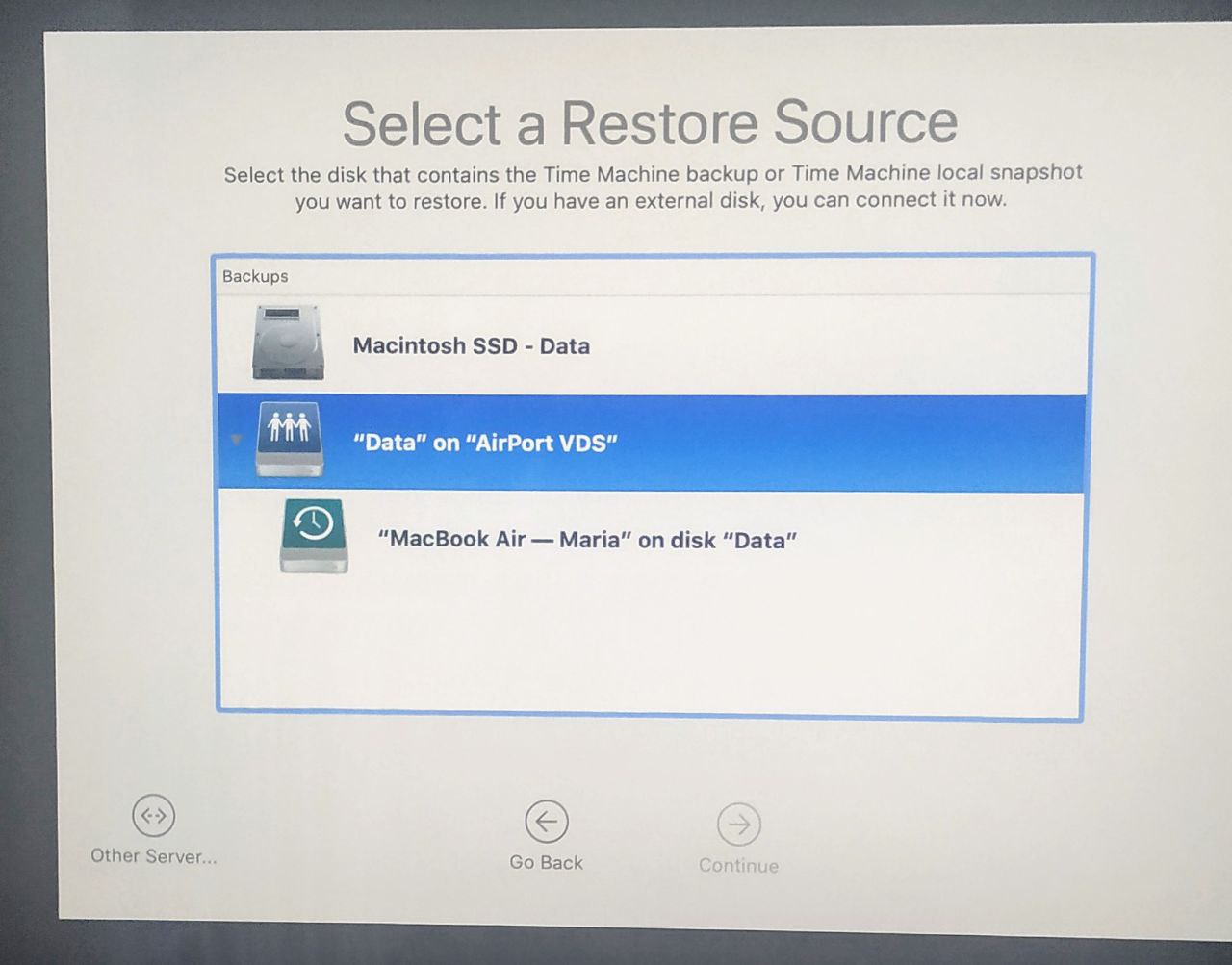
#2 Open Finder and Airport Utility. Does the TC appear in the utility?? If so click its icon. A summary page will appear. On that page is the IP address of the TC.
In Finder use top menu, Go, Connect to server.
Type in SMB://10.0.1.1 (replace with the actual IP address.. that is default for router setup).
You will be asked the password.. type it in and save in the keychain.
Once in Finder it should be possible to access the disk and also it will appear in Time Machine.
#3 Press the reset button on the TC for about 10sec until front led flashes rapidly.
No files are lost.. it will be discovered in the computer and you can then use setup wizard to configure it.
Use very short names.. I recommend <8 characters, no spaces and pure alphanumeric.. for everything.
Same rules for passwords but longer. 8-20 characters.
No luck tell us the whole network layout and how the Mac is connected.
#1Power off everything.. in any order.
Power on in following order. Main modem.. wait 2min.. Router.. 2min.. TC if not identical to router.. 2min.. any other network stuff.. then clients like computers.
Stuff magically appears.
#2 Open Finder and Airport Utility. Does the TC appear in the utility?? If so click its icon. A summary page will appear. On that page is the IP address of the TC.
In Finder use top menu, Go, Connect to server.
Type in SMB://10.0.1.1 (replace with the actual IP address.. that is default for router setup).
You will be asked the password.. type it in and save in the keychain.
Once in Finder it should be possible to access the disk and also it will appear in Time Machine.
#3 Press the reset button on the TC for about 10sec until front led flashes rapidly.
No files are lost.. it will be discovered in the computer and you can then use setup wizard to configure it.
Use very short names.. I recommend <8 characters, no spaces and pure alphanumeric.. for everything.
Same rules for passwords but longer. 8-20 characters.
No luck tell us the whole network layout and how the Mac is connected.
💬 ответы (1)
2021-01-12 10:50:55
@olehcyпопробуй other server и ручками ее вбить, думаю там только локалный айпишник нужен будет
💬 ответы (2)
2021-01-12 10:43:05
 @ambientout
 @MikhailGI
Дональд вчера ночью решим ЧС ввел в округе Колумбия (где Вашингтон) до 24 января
То ли ещё будет.
💬 ответы (4)
2021-01-12 09:33:43
 @vadichcy
Пользуешься Телеграм - поддерживаешь республиканцев :)
"Telegram стал вторым по скачиваемости приложением в США после того... Уточняется, что в период с 6 по 10 января приложение Telegram скачали в Соединённых Штатах около 545 тыс. раз, что почти в три раза больше, чем в аналогичный период предыдущей недели."
💬 ответы (8)
2021-01-12 08:54:57
 @Andrei_Sakharau
ребят, группа helpers почему-то закрыта, так что я уж тут спрошу - может кто посоветовать хорошего мастера по ремонту стиральных машин?
💬 ответы (5)
2021-01-12 08:00:07